I very much love the massive mind melt of new information that I get when I attend great tech conferences. But I’ve never been super good at keeping notes thorough enough to remember everything I want to, or follow up on all the new tech and links I had aspirations to while sitting in the rooms.
The talks I really liked? I remember them well enough to tell someone about them over coffee, but the specific details, the links the speaker mentioned, the names of tools that came up in Q&A, those are usually gone by the time I get home. I end up with a few half-sentences scratched into my phone’s Notes app and a vague impression of “yeah, good stuff.”
This week I’m trying something different at SCALE 23x in Pasadena: I brought my AI assistant along.
The Setup
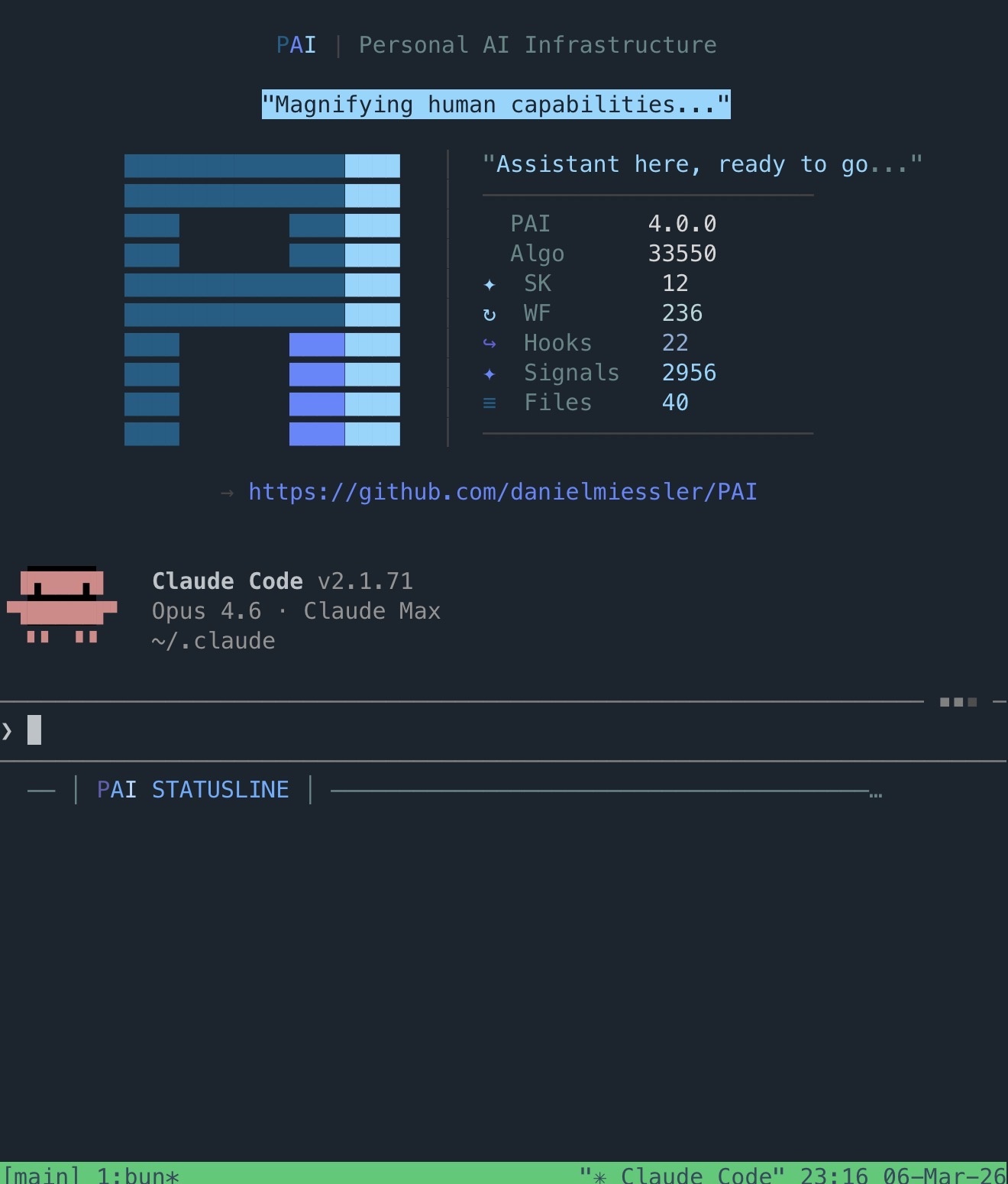
I run Claude Code + PAI on a dedicated Linux VM at home (see my setup here ). It’s a persistent system. My assistant has memory, skills, tools, and context about my work and projects. I usually work with it through a terminal, either at my desk or from my phone over SSH. The conference was no different.
The connection is straightforward. I use Tailscale to connect my devices into my home lab network, so I can reach my server from anywhere. On my iPhone I use an SSH client to connect directly into the VM and start a Claude Code session. Same assistant, same context, same tools, just on a smaller screen.
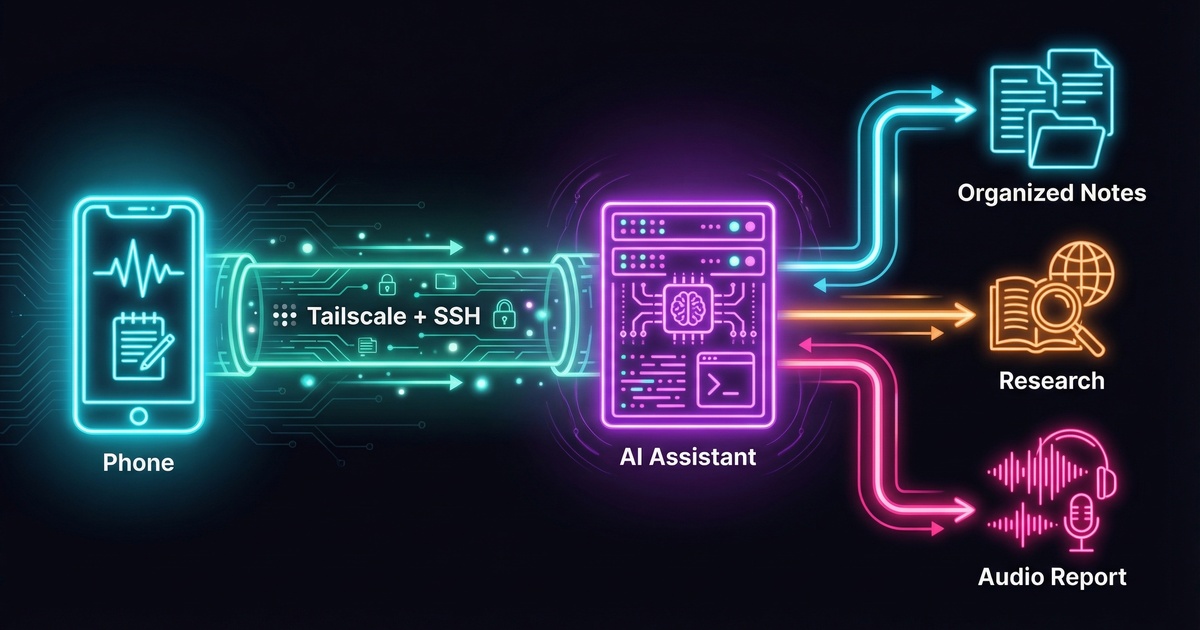
Before the first talk, I gave it a detailed briefing: Here’s what the day looks like. Here’s the conference. Here’s the schedule from the website. Go scrape the schedule page. If it’s JavaScript-heavy and hard to parse, use your browser skill to render it first. Throughout the day, I’m going to dump raw notes to you. Track which talk I’m probably in based on the time. Expand any links I mention. Follow up on brief references. If I flag something for research, dig into it. Tag anything that looks like a future task. And when I tell you the day is done, build me a full report.
Throughout the Day
The workflow settled into a rhythm pretty quickly. Between talks, or during slower moments, I’d SSH in and dump whatever was on my mind. Sometimes it was a direct quote from a speaker, sometimes a half-formed thought triggered by something someone said, and sometimes just a link I saw on a slide that I wanted to remember.
I let the assistant decide how to organize everything within the structure of my existing system. It roughly did this: every note went into a raw file first, timestamped and verbatim. From there, it triaged each piece. Facts, tools, and contact info went into a knowledge file. Things I wanted to expand on later got queued for deeper reports. The schedule tracking meant it could attach context to my notes automatically. If I dropped a note at 2:45 PM, it knew I was probably in the decentralized trust talk and could frame my notes accordingly.
The other nice thing is that it can ask me for clarity in real time. If I drop a vague note and the assistant needs more context, it asks while the thought is still fresh. That back-and-forth means the notes get augmented properly instead of sitting there as cryptic fragments I’ll have to decode later. And in some rather awesome cases, it was tracking context of time and event and talk description well enough that it was able to figure it out on its own. Very pleasing :)
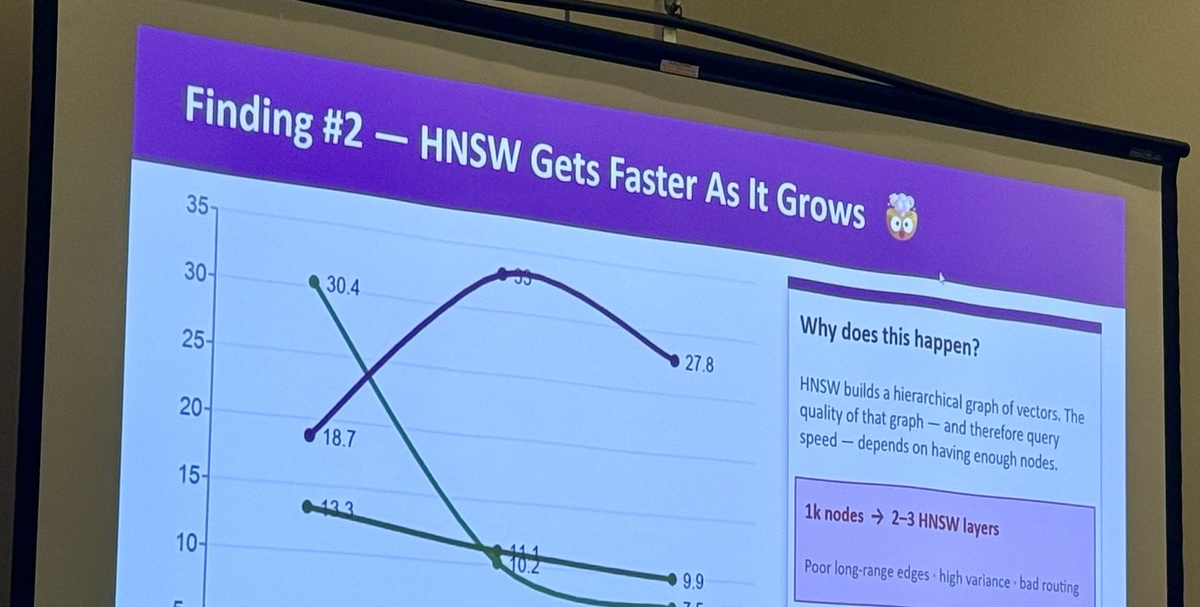
Slide capture was also fun. When a speaker put up something worth keeping, I’d take a photo and upload it through an exchange portal I have set up on the server. The assistant watches for incoming images, pulls text from them, and starts working with whatever’s on the slide. During the vector database benchmarking talk, I uploaded a series of comparison slides and had the key findings extracted and organized before the speaker moved on to Q&A.
Links got the same treatment. If a speaker mentioned a project or a tool, I’d jot down the name and the assistant would go find it, grab the URL, pull in whatever context was available, and add it to the knowledge file.
The End-of-Day Report
At the end of the day, I told the assistant we were done and asked it to build the report. It compiled everything: talk summaries with expanded context, all the links it had gathered, slide content it had processed, research it had done on topics I’d flagged, and a follow-up list of things to look into later. The report went to a portal page I could review at my leisure, and I also had it send the content to Hypercast , a personal TTS-to-podcast service I run, so I could listen back to it as audio later.
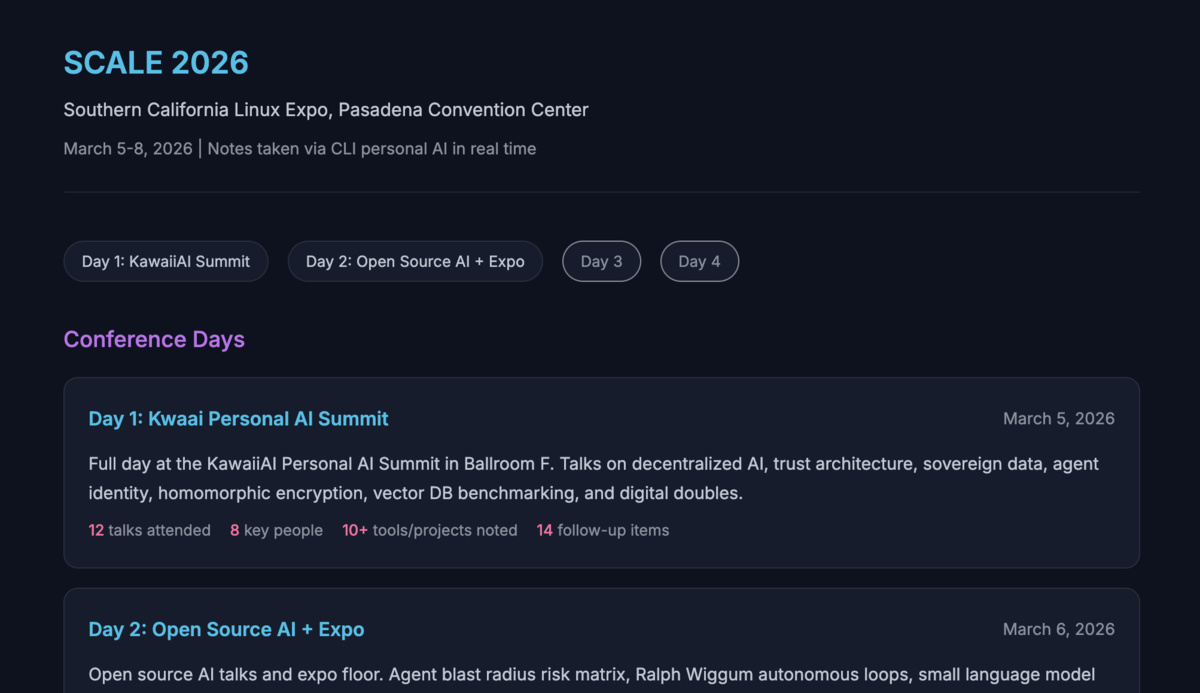
The report was significantly more detailed than anything I would have produced on my own. Not because the assistant made things up, but because it had been doing background work all day while I was focused on the talks.
What Worked
The biggest win was that I could stay present. Instead of trying to capture everything in the moment and losing attention on the speaker, I could drop a few words and trust that the context would be filled in later. A note like “Rivest, homomorphic encryption, 1970s, dig into this” became a full entry with the history of the concept, the 2009 breakthrough by Craig Gentry, why it’s still not computationally practical, and how it connects to the confidential vector search work being presented. That kind of expansion happened across every note I flagged for research.
The Friction
Typing on a phone through an SSH client is not ideal. It works, but it’s slow, and the screen is small enough that you have to be deliberate about what you type. I found myself keeping notes shorter than I might have at a keyboard, which was fine for the workflow but occasionally meant I left out context that would have helped. A laptop would make this easier and faster since the entire workflow is the same, just SSH into the server and go. I just don’t love pulling out a laptop in crowded conference rooms and tip-tapping away on my keyboard when I can avoid it.
Privacy was a consideration. I was typing into a terminal in a conference hall full of people, some of whom could see my screen. I added “buy a privacy screen protector” to my follow-up list pretty early in the day.
Conference WiFi is notoriously slow and inconsistent (why are conference venues always faraday cages?), but Tailscale kept me connected well, and I could use Tmux on the server to reconnect to my session if my WiFi or cellular dropped.
I use voice with my assistant all the time at home, but at a conference you’re stuck typing. What I’d really like is a proper chat interface for my assistant that doesn’t lose all of my context, tools, and systems the way something like the Claude.ai app would. Claude Code’s remote control feature isn’t quite reliable enough for this yet, but I’m sure we’ll have a smoother way to do this in a week or a month. More on that later.
Where This Goes
I’m not sure how novel any of this is. People have been using chatbot apps for note-taking for a while. The difference for me is that the assistant isn’t a blank chat window. It’s a persistent system with context about my work, my projects, and what I care about, and it can act on notes rather than just store them.
I’m still in the middle of the conference as I write this, and I’ll keep refining the workflow over the remaining days. For now, the phone-and-SSH approach is getting the job done better than my usual strategy of hoping I’ll remember things later.
If you’re curious about the personal AI setup behind this, I wrote about it here . And the end-of-day reports live on Hypercast .