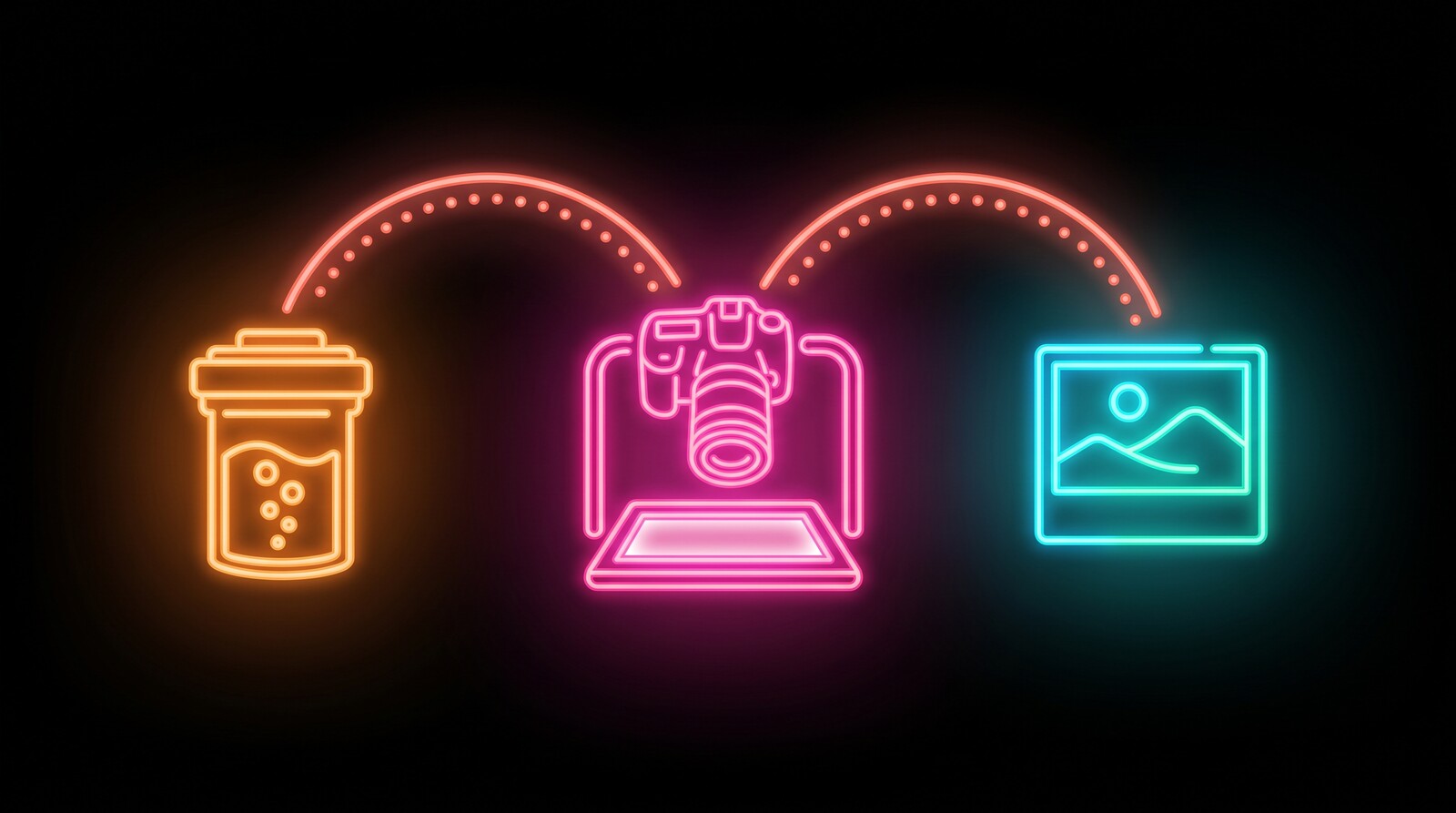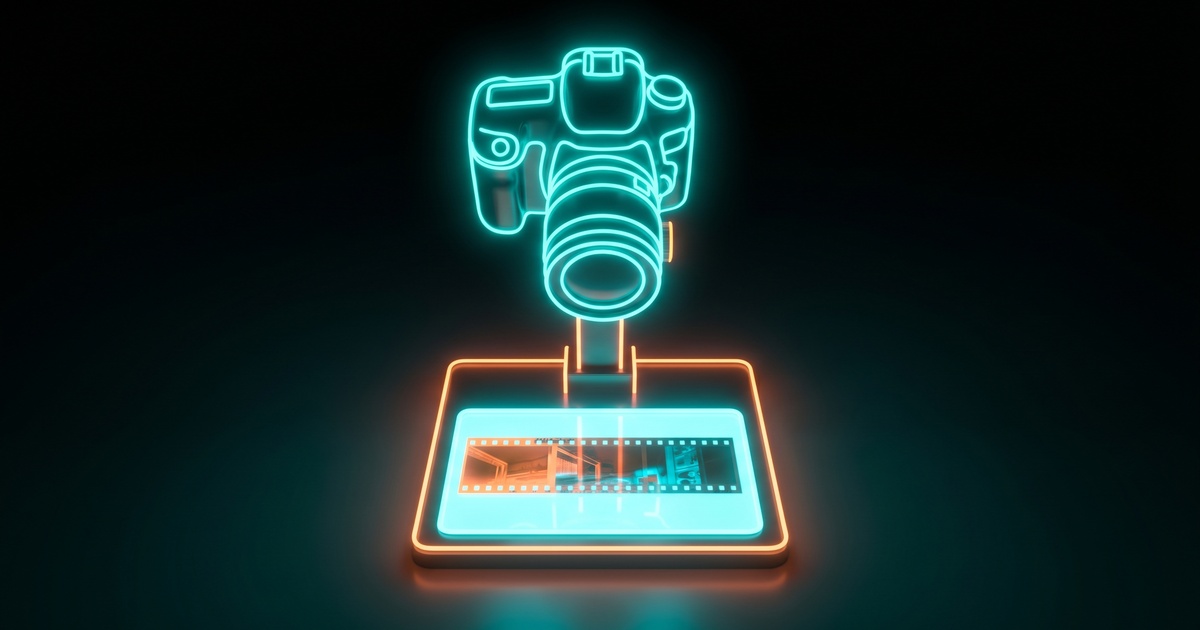
This is part of how I scan film at home. If that’s something you’re looking to get into, the app in this post is just one piece of it. The full picture is in How I Develop and Scan Film at Home.
My Canon EOS 7D had been sitting on a shelf for a couple of years, one of those cameras I’d moved on from but never quite got around to selling. It came back into use when I got into developing and scanning my own film at home, because it turned out to be a great camera for the scanning part.
A lot of people scan film with a digital camera now instead of a flatbed scanner. You lay the negative on a light source, put a macro lens over it, and photograph it, and to do that without nudging everything out of alignment you want the camera tethered to the computer, so you can watch a live preview and fire the shutter from the keyboard.
For Canon, the usual tool for that is EOS Utility, but my 7D is old enough that it only works with EOS Utility 2, and that version really doesn’t get along with recent macOS. Labels go missing in the interface, macOS keeps warning that it won’t run in future versions, and the whole thing feels like it’s halfway out the door. It worked, but barely.
So instead of going looking for a replacement, I had my AI assistant build one with me. I’ve written before about why I reach for that more often than buying lately, and this was another one of those. My assistant wrote most of the actual code while I drove it, tested against the camera, and told it what felt wrong. We called the result Film Tether.
What it does
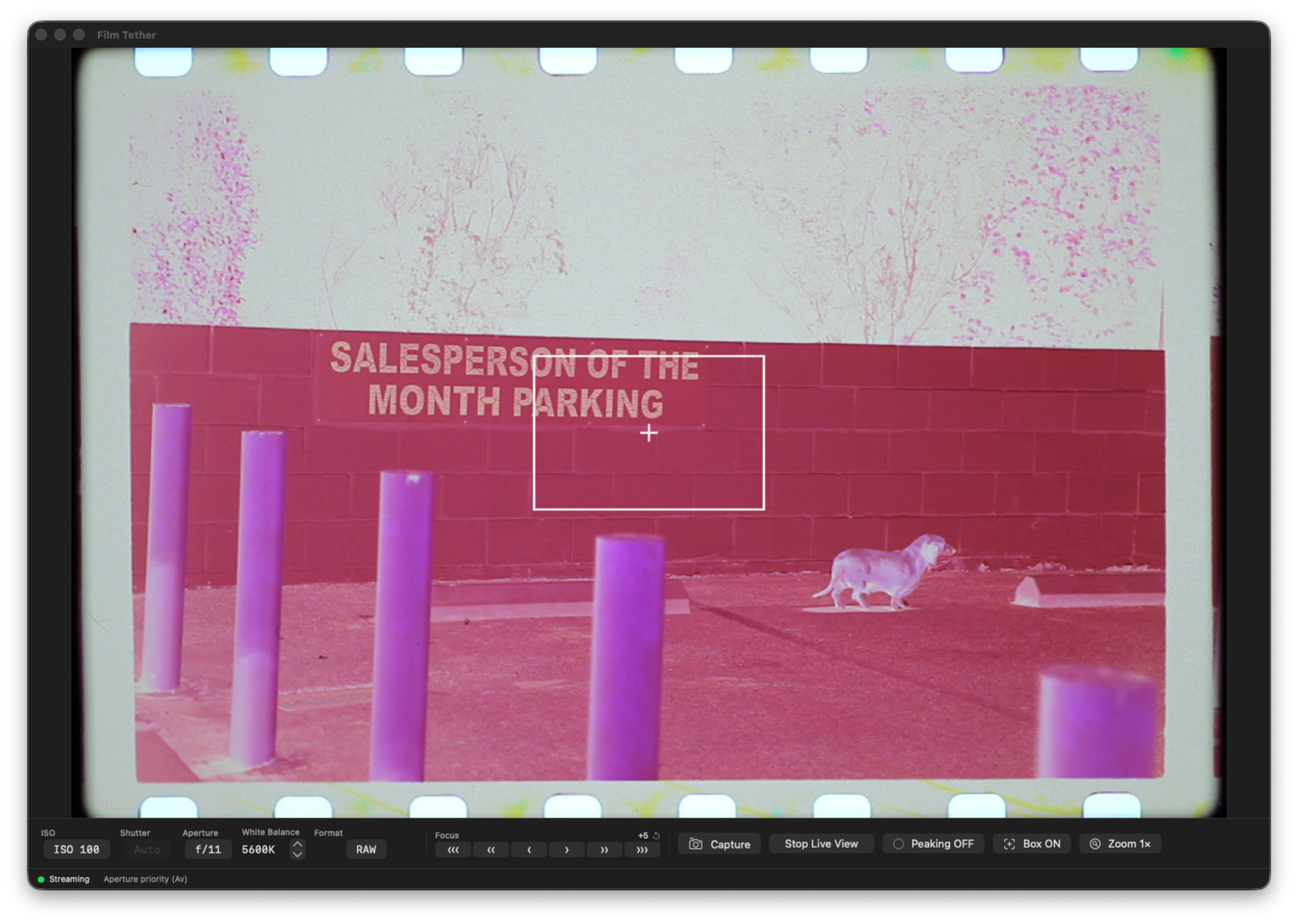
It drives the camera over USB so I can work entirely from the Mac. I get a live preview, the RAW files land straight in a folder I pick without any re-encoding, and I can fire a frame with the spacebar, which is the part that makes working through a roll quick. The usual exposure controls are there when I need them, and there’s a focus check where I hold Shift to punch in on the sensor and make sure things are sharp before the shot.
That’s about the whole of it. It handles the tethering and leaves everything else alone, because developing the film and converting the negatives are other tools’ jobs and I’m happy to let them have those.
Where it’s rough
It’s a personal project, and the state of it reflects that. I’ve only tested it on my own 7D and a friend’s 70D, which means I really don’t know how many other Canon bodies it works with. The focus zoom gets me clean focus, but it doesn’t always land on the exact spot I click, and there are a few other corners that still need attention.
If you’ve got an older Canon and you’re curious, the build and the source both live at filmtether.com. If it happens to work with your camera, let me know on the repo and I’ll add it to the list. It’s open source under the MIT license, so you’re also welcome to take it apart and make it work with your own camera body.
Where it fits
Scanning is one piece of a longer process. After I shoot a roll I develop it, scan it, and convert the negatives, all at home, and Film Tether is just the tethering step inside the scanning part of that. If you want the whole picture, I wrote up how I develop and scan film at home as a separate guide.