This is part of how I scan film at home. If that’s something you’re looking to get into, the full picture is in How I Develop and Scan Film at Home.
Back in June when I wrote about Film Tether, I left converting the negatives to other tools. Since then I’ve been building my own, and Film Positive 0.1.0, its first public release, is out now!
There are lots of apps that turn a scanned negative into a positive, with more coming along all the time. I wanted one built around how I like to work, with a short, simple path from a roll of scans to finished pictures, and a lot more options there for the roll that needs them. Like Film Tether, my AI assistant wrote most of the code while I tested it against my own rolls and told it what looked wrong.
What it does
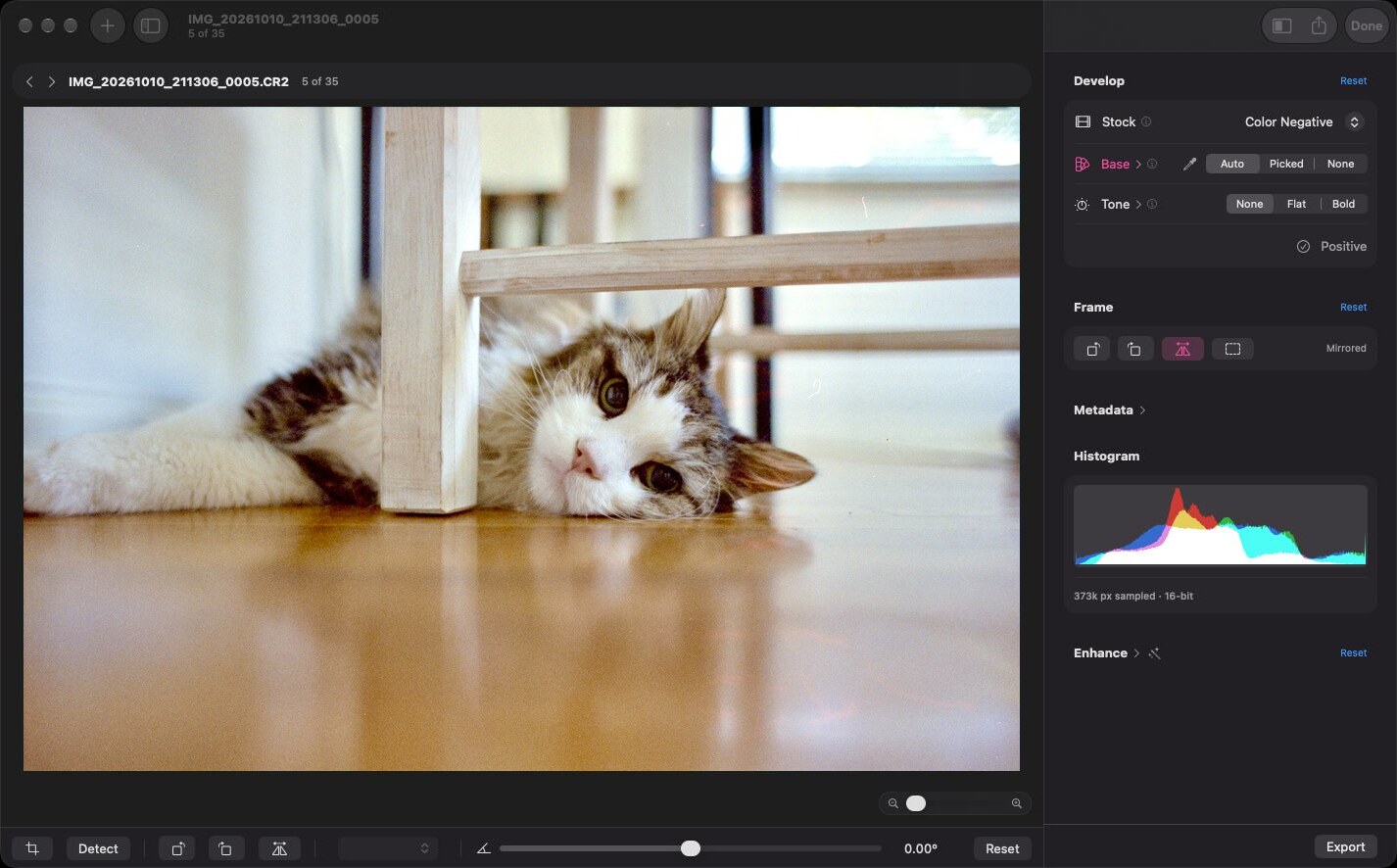
You open the raw files from a camera scan of your negatives, color or black and white, and it develops each frame into a positive you can export. For most of my rolls I leave it on the general color profile with Auto Color, let Detect Crop find the film edges across the roll, check the crops, and export, either finished or to take into another app for more editing.
To develop a color negative, it works out how bright and how orange the bare film is and measures every pixel against that. Where a film maker publishes a characteristic curve for a stock, the app uses the numbers from that sheet, so the profile comes from the maker and not from my light or my camera.
Past that there are a couple of starting tones, sliders for exposure, highlights and shadows, warmth, sharpness, halation and plenty more, Looks you can save as presets, straightening, and export to 16-bit TIFF, JPEG XL and most of the other formats you’d want. Many frames won’t need anything, and others may only need a slider or two, say for tungsten film shot in daylight. The rest is there when a roll needs more.
Working with Film Tether
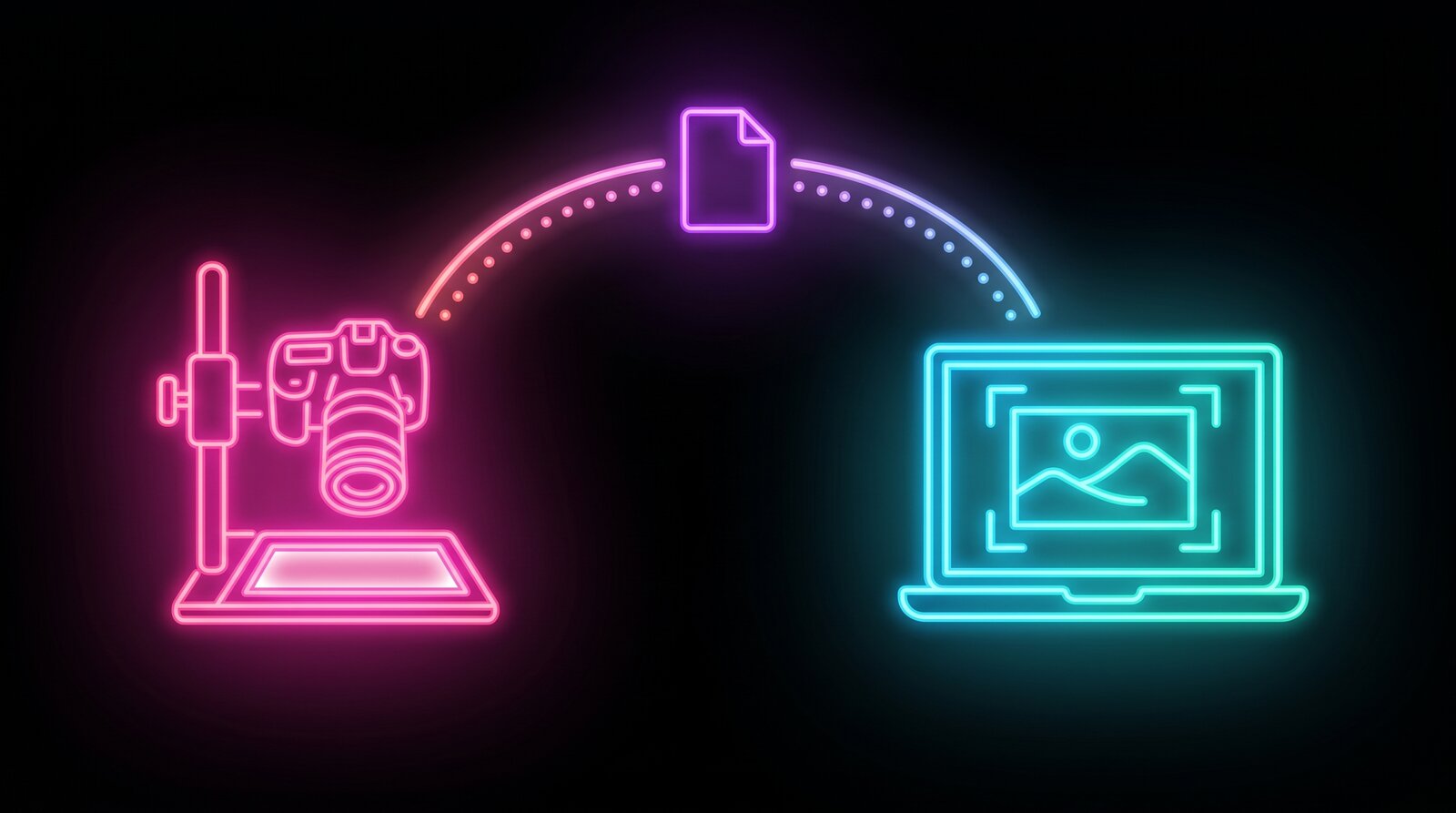
Film Tether 0.4.0 is out alongside it, and a good part of that release is about the two apps working together. Tether can now put a crop box on the live view, straighten the negative and mirror it, and it writes all of that into a small sidecar file next to each RAW, along with the film format and the stock you’re scanning. Film Positive reads that same file, so a crop or rotation I set while scanning is already there when I open the roll to develop it.
I’m also really pleased that Tether picked up autofocus in this release, which should make scanning even faster on the Canon bodies it works with. It asks the camera to run its own autofocus, then checks the live view to see whether the frame actually got sharper. There’s also a lot more error handling for when the camera doesn’t cooperate, with plain explanations of what happened and what to try, and a way out when a camera stops answering instead of the app sitting there waiting.
Some people will want one app and some will want both. Film Tether drives the camera itself, so it was built around Canon EOS bodies and only works with the ones it knows how to talk to. Film Positive only needs the raw files, so in theory it’s useful to a lot more people, whatever camera they scan with.
Where it’s rough
I’ve only tested it with Canon raw files from a small set of cameras so far, so if you try it with something else, I’d love to hear how it goes. Color is still being tuned against film datasheets and my own test rolls, so results may shift a bit between releases, though for the most part things should be fairly stable now. A stock only gets its own profile when its maker publishes a curve for it, and everything else goes through the general color negative profile, which should work with almost any color negative. There’s no dust and scratch removal yet either. That’s on the roadmap, along with a profile editor and profiles I measure myself for the films that don’t have a published curve.
Getting it
Both apps run on macOS 14 or newer, Apple Silicon or Intel. Film Positive is open source under GPL-3.0 and Film Tether under MIT, and there’s more coming in both.